
NEWS
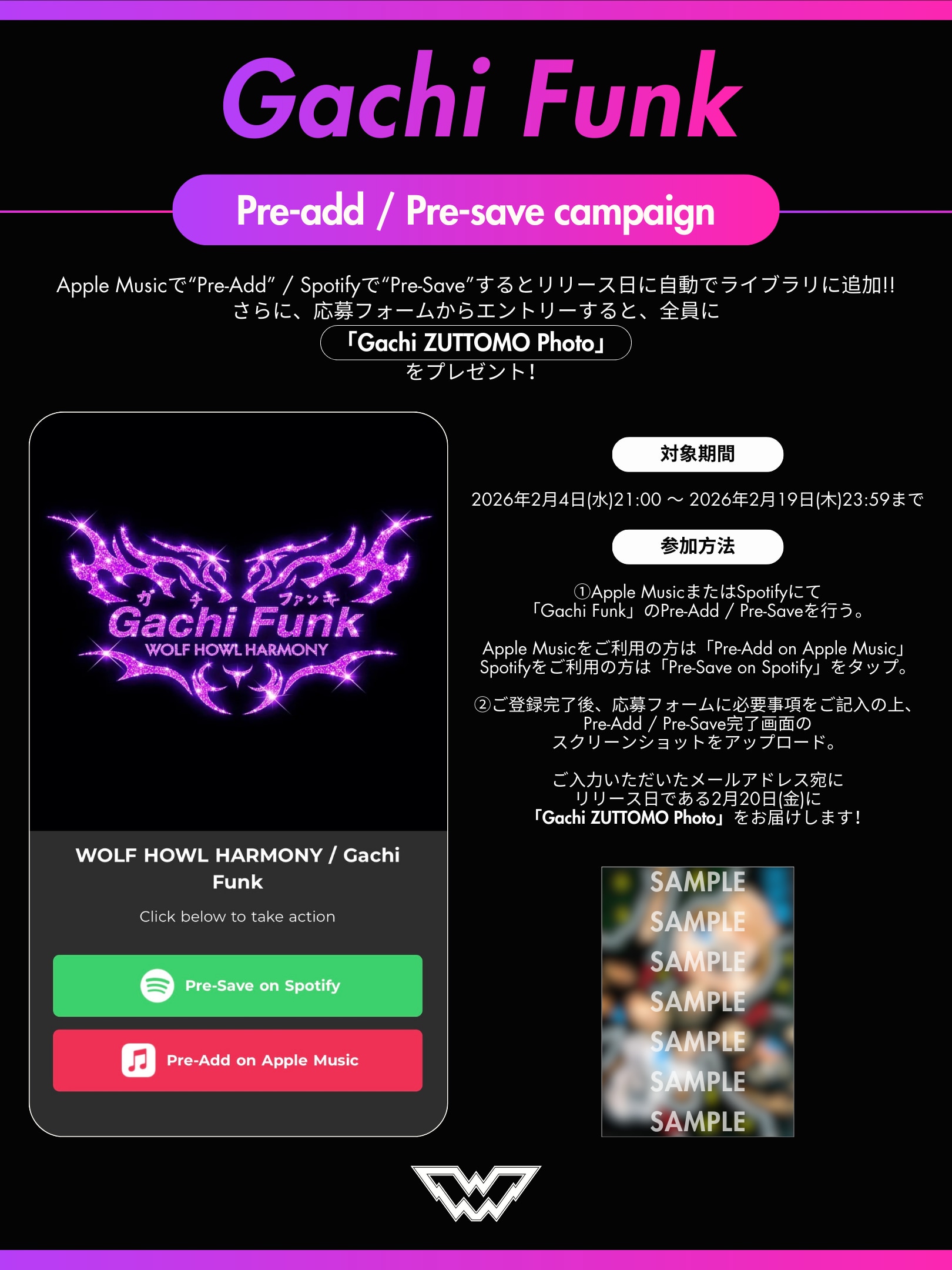
【How to画像公開!】「Gachi Funk」Pre-Add / Pre-Saveキャンペーン
エントリー期間中である
2月20日の「Gachi Funk」先行配信を記念してpre-add/pre-saveキャンペーンの
How to画像を公開いたしました。
We’ve released a “How to” image for the Pre-Add/Pre-Save campaign to commemorate the early release of “Gachi Funk” on February 20, which takes place during the entry period.
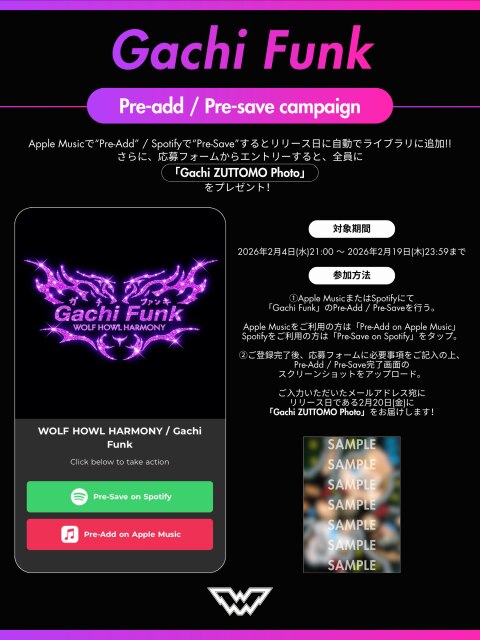
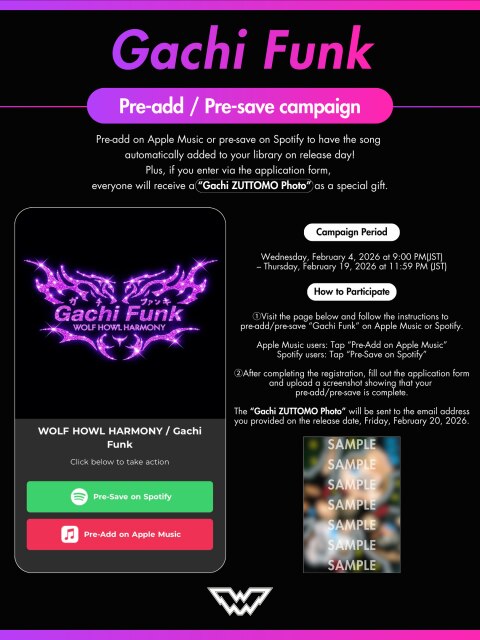
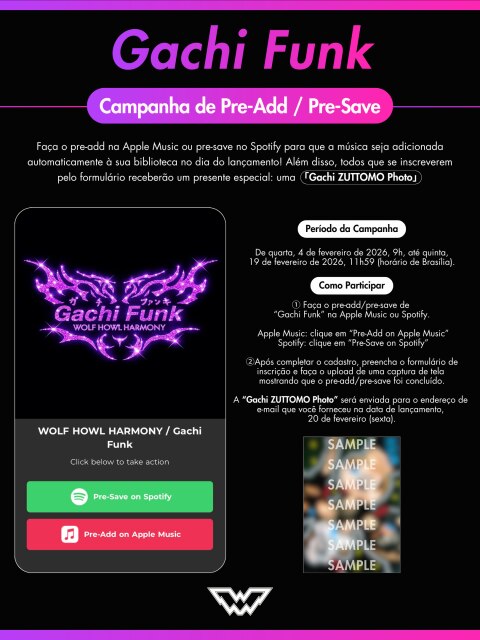
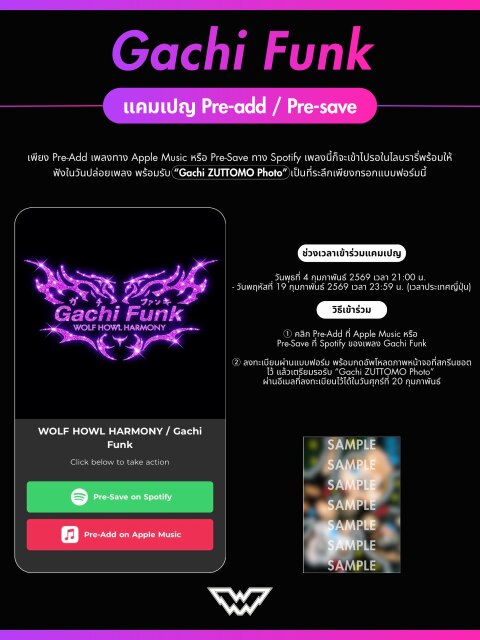
Apple Musicで“Pre-Add”、Spotifyで“Pre-Save”するとリリース日に自動でライブラリに追加、さらに、応募フォームからエントリーすると、全員に「Gachi ZUTTOMO Photo」をプレゼントします!
一足先に「Gachi Funk」をあなたのプレイリストに。
ぜひご参加ください!
🎧 Pre-Add / Pre-Saveはこちら
👉 https://avex.ffm.to/whh_gachifunk
📝 特典応募フォームはこちら
https://forms.gle/66qEAjHwDzSpXkD86
【対象期間】
2026年2月4日(水)21:00 ~ 2026年2月19日(木)23:59まで
【特典】
事前登録いただいた方全員に「Gachi ZUTTOMO Photo」をプレゼント!
【参加方法】
① 以下のページから手順に従って、Apple MusicまたはSpotifyにて「Gachi Funk」のPre-Add / Pre-Save(事前登録)を行ってください。
Apple Musicをご利用の方は「Pre-Add on Apple Music」、Spotifyをご利用の方は「Pre-Save on Spotify」をタップしてください。
② ご登録完了後、応募フォームに必要事項をご記入のうえ、Pre-Add / Pre-Save完了画面のスクリーンショットをアップロードしてください。
ご入力いただいたメールアドレス宛に、リリース日である2月20日(金)に「Gachi ZUTTOMO Photo」をお届けします!
【Pre-Add / Pre-Saveとは?】
Apple Musicの「Pre-Add(プリアド)」、Spotifyの「Pre-Save(プリセーブ)」は、リリース前の楽曲を事前に予約できる機能です。
登録しておくと、配信開始後に自動でライブラリやプレイリストに楽曲が追加されます。
If you “Pre-Add” on Apple Music or “Pre-Save” on Spotify, the track will be automatically added to your library on the release date. Plus, everyone who enters via the application form will receive a “Gachi ZUTTOMO Photo” as a gift!
Get “Gachi Funk” into your playlist ahead of time.
Please join the campaign!
🎧 Pre-Add / Pre-Save here
👉 https://avex.ffm.to/whh_gachifunk
📝 Gift entry form
https://forms.gle/66qEAjHwDzSpXkD86
[Entry Period]
Wed, February 4, 2026, 9:00 PM – Thu, February 19, 2026, 11:59 PM (JST)
[Gift]
Everyone who pre-registers will receive a “Gachi ZUTTOMO Photo”!
[How to Participate]
Follow the instructions on the page below to Pre-Add / Pre-Save “Gachi Funk” on Apple Music or Spotify.
Tap “Pre-Add on Apple Music” if you use Apple Music, or “Pre-Save on Spotify” if you use Spotify.
After completing the pre-registration, fill out the entry form and upload a screenshot of the Pre-Add / Pre-Save completion screen.
We will send the “Gachi ZUTTOMO Photo” to the email address you provided on the release date, Fri, February 20!
[What are Pre-Add / Pre-Save?]
“Pre-Add” on Apple Music and “Pre-Save” on Spotify let you reserve a track before its release.
Once registered, the track will be automatically added to your library or playlist when it becomes available.
2月20日の「Gachi Funk」先行配信を記念してpre-add/pre-saveキャンペーンの
How to画像を公開いたしました。
We’ve released a “How to” image for the Pre-Add/Pre-Save campaign to commemorate the early release of “Gachi Funk” on February 20, which takes place during the entry period.
Apple Musicで“Pre-Add”、Spotifyで“Pre-Save”するとリリース日に自動でライブラリに追加、さらに、応募フォームからエントリーすると、全員に「Gachi ZUTTOMO Photo」をプレゼントします!
一足先に「Gachi Funk」をあなたのプレイリストに。
ぜひご参加ください!
🎧 Pre-Add / Pre-Saveはこちら
👉 https://avex.ffm.to/whh_gachifunk
📝 特典応募フォームはこちら
https://forms.gle/66qEAjHwDzSpXkD86
【対象期間】
2026年2月4日(水)21:00 ~ 2026年2月19日(木)23:59まで
【特典】
事前登録いただいた方全員に「Gachi ZUTTOMO Photo」をプレゼント!
【参加方法】
① 以下のページから手順に従って、Apple MusicまたはSpotifyにて「Gachi Funk」のPre-Add / Pre-Save(事前登録)を行ってください。
Apple Musicをご利用の方は「Pre-Add on Apple Music」、Spotifyをご利用の方は「Pre-Save on Spotify」をタップしてください。
② ご登録完了後、応募フォームに必要事項をご記入のうえ、Pre-Add / Pre-Save完了画面のスクリーンショットをアップロードしてください。
ご入力いただいたメールアドレス宛に、リリース日である2月20日(金)に「Gachi ZUTTOMO Photo」をお届けします!
【Pre-Add / Pre-Saveとは?】
Apple Musicの「Pre-Add(プリアド)」、Spotifyの「Pre-Save(プリセーブ)」は、リリース前の楽曲を事前に予約できる機能です。
登録しておくと、配信開始後に自動でライブラリやプレイリストに楽曲が追加されます。
If you “Pre-Add” on Apple Music or “Pre-Save” on Spotify, the track will be automatically added to your library on the release date. Plus, everyone who enters via the application form will receive a “Gachi ZUTTOMO Photo” as a gift!
Get “Gachi Funk” into your playlist ahead of time.
Please join the campaign!
🎧 Pre-Add / Pre-Save here
👉 https://avex.ffm.to/whh_gachifunk
📝 Gift entry form
https://forms.gle/66qEAjHwDzSpXkD86
[Entry Period]
Wed, February 4, 2026, 9:00 PM – Thu, February 19, 2026, 11:59 PM (JST)
[Gift]
Everyone who pre-registers will receive a “Gachi ZUTTOMO Photo”!
[How to Participate]
Follow the instructions on the page below to Pre-Add / Pre-Save “Gachi Funk” on Apple Music or Spotify.
Tap “Pre-Add on Apple Music” if you use Apple Music, or “Pre-Save on Spotify” if you use Spotify.
After completing the pre-registration, fill out the entry form and upload a screenshot of the Pre-Add / Pre-Save completion screen.
We will send the “Gachi ZUTTOMO Photo” to the email address you provided on the release date, Fri, February 20!
[What are Pre-Add / Pre-Save?]
“Pre-Add” on Apple Music and “Pre-Save” on Spotify let you reserve a track before its release.
Once registered, the track will be automatically added to your library or playlist when it becomes available.
LATEST NEWS
